Group
Groups can contain any other elements. With this function, you can group different elements thematically.
smartdesign.base.Group
Use
- The element is available for all data record types.
- The element is available when in the edit mode for a data record.
- The element is available when you are in the read mode for a data record.
- The element is available for dashboards.
Display
With groups you are free to design the layout as you wish and, if necessary, bundle several elements.
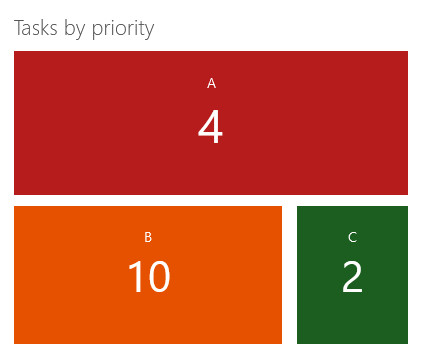
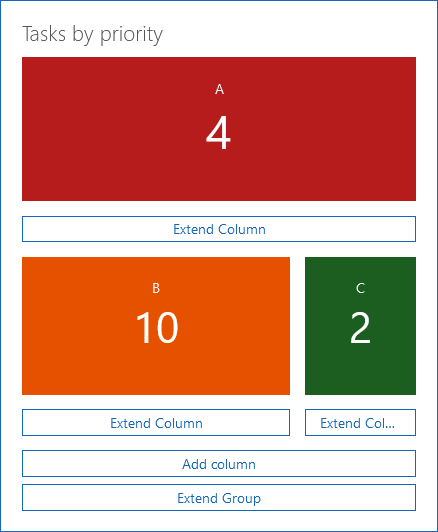
In the example, you can see business metrics which are used to display the existing tasks according to priority for a contact. You can find a more detailed description of this example on the following page:
Appearance in the App Designer
Appearance in SmartWe