Z-layout
The basis of the design is usually the z-layout. The individual elements are positioned next to each other and are read from left to right.
smartdesign.base.ZLayout
Use
- The element is available for all data record types.
- The element is available when in the edit mode for a data record.
- The element is available when you are in the read mode for a data record.
- The element is available for dashboards.
Appearance in the App Designer
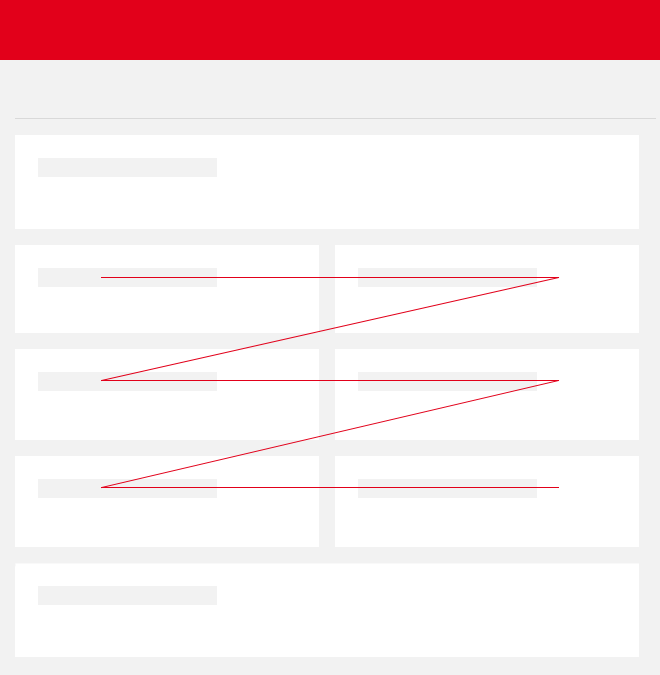
Appearance in SmartWe
Depending on the size of the screen and number of available elements, the elements will move dynamically. On smaller screens, the elements are displayed one below the other.
Because of the special dynamics of the Z layout, the positioning of elements for each data record can appear slightly different. In SmartWe only fields for which data is available are displayed by default. If whole elements do not contain any data, then these elements are not displayed. Consequently, an element can be displayed in the right-hand column, although the element was created in the left-hand column.