Tab bar
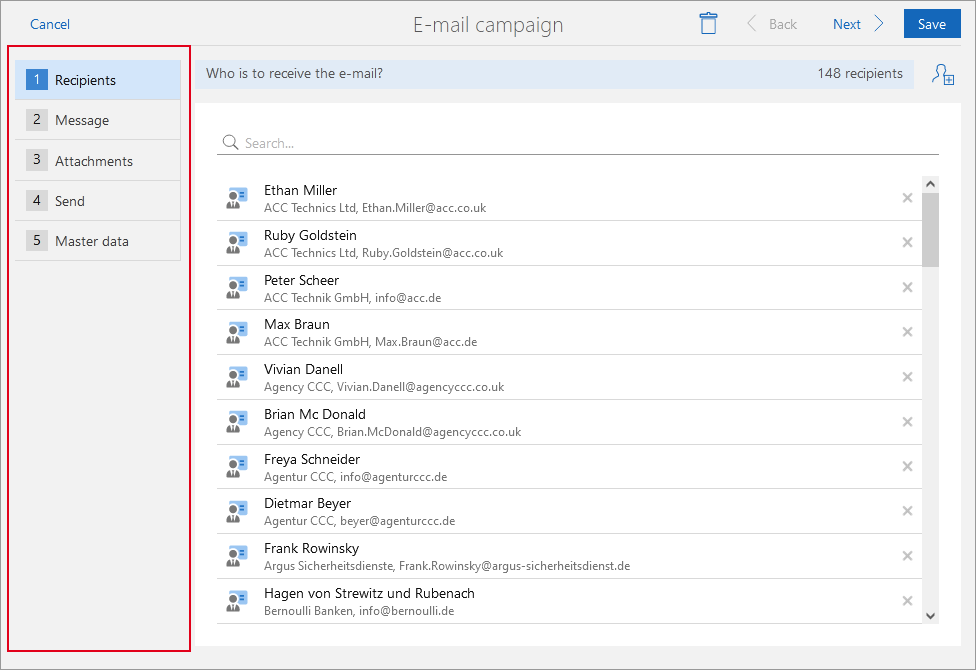
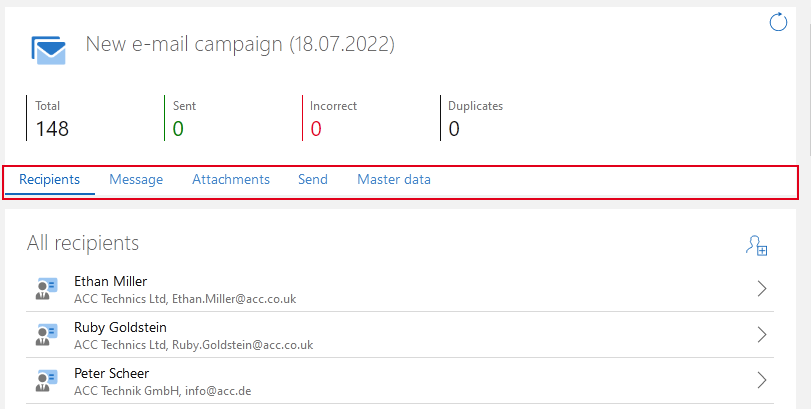
The tab bar is available for the Tab layout and the Wizard layout.
smartdesign.base.Parts
Use
- The element is available for all data record types.
- The element is available when in the edit mode for a data record.
- The element is available when you are in the read mode for a data record.
- The element is available for dashboards.
Display in SmartWe
The tab bar is used in both the Tab layout as well as the Wizard layout. The following applies for both layouts:
- If only one tab is available, the tab bar is completely hidden.
- If multiple tabs are available but some do not contain any contents, the empty tabs are usually also hidden. You can change this setting in the App Designer.
With the Tab layout, the tab bar is displayed above. The example shows an e-mail campaign in the read mode for which the Tab layout is set by default in SmartWe.
With the Wizard layout, the tab bar is displayed to the left. The example shows an e-mail campaign in the editing mode for which the Wizard layout is set by default in SmartWe.