Editing the horizontal layout
In the horizontal layout you can change different settings.
- Add a column
- Extending a column
- Customizing the display of a column
- Customizing the display of the horizontal layout
Add or extend a column
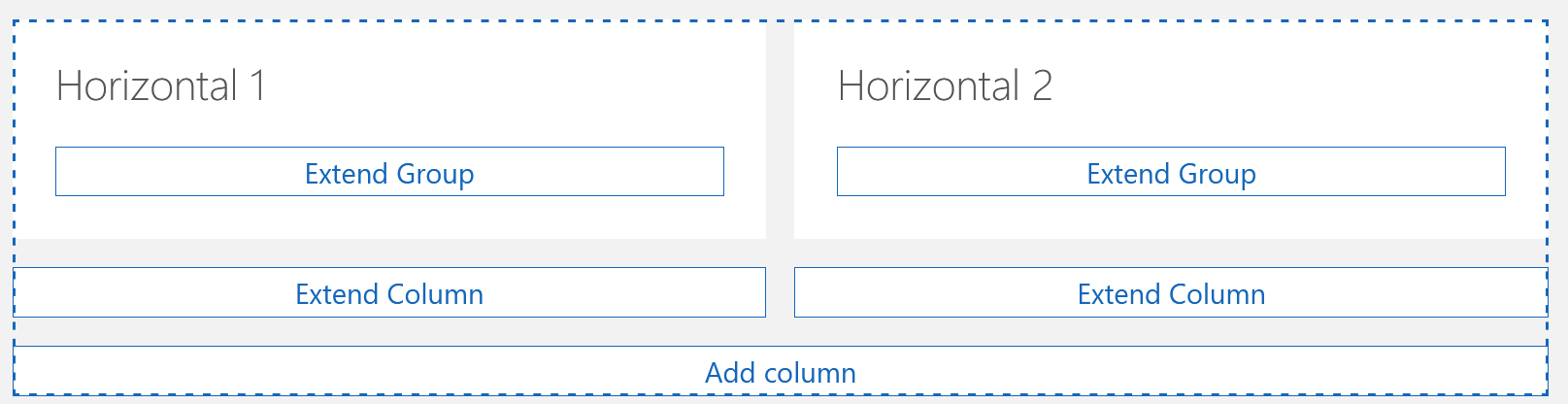
- By clicking Add column you can insert another column into your horizontal layout.
- By clicking Extend column, you can insert an element into the respective column.
You can insert all elements which are available for the open data record type or the dashboard.