Horizontal layout
Using the horizontal layout, the elements in the layout can be set next to each other.
smartdesign.base.HorizontalLayout
Note
The appearance of the horizontal element in SmartWe can vary from your settings. The appearance of the layout depends, among other things, on the size of the window in the browser. If the embedded elements cannot be displayed next to each other, then a break is created.
Use
- The element is available for all data record types.
- The element is available when in the edit mode for a data record.
- The element is available when you are in the read mode for a data record.
- The element is available for dashboards.
Appearance in the App Designer
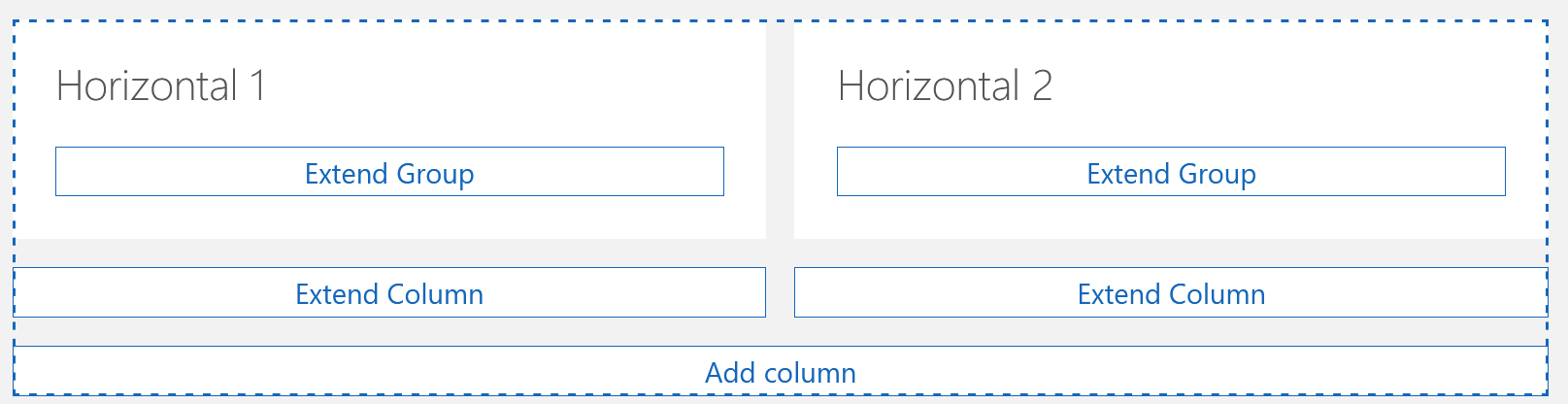
In the App Designer you will recognize a horizontal layout by the fact that you can add and edit columns.
Appearance in SmartWe
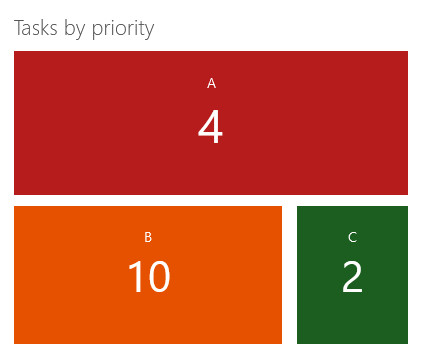
An example for the use of the horizontal layout is the order of key performance indicators within a group. You can find a more detailed description of this example on the following page: Horizontal layout: Example.