Saving changes in the App Designer
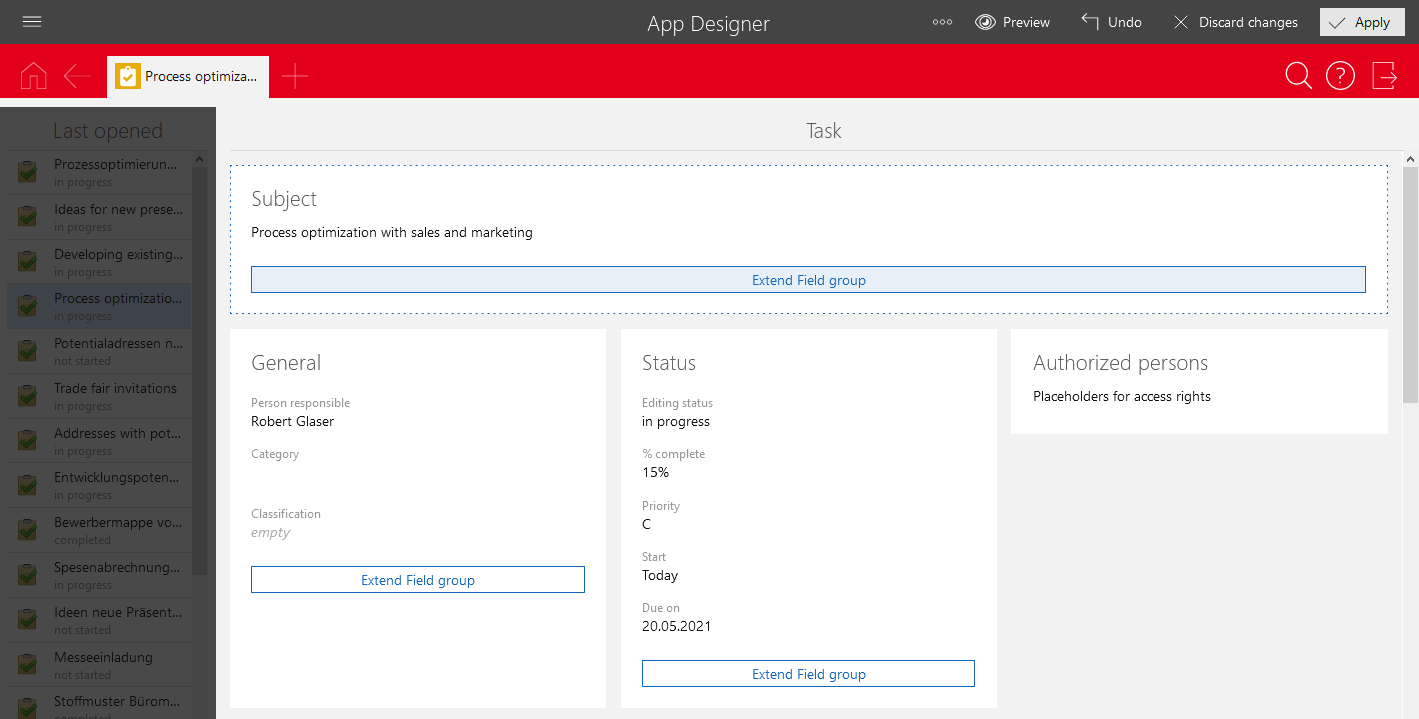
Any changes made in the App Designer are not saved automatically. You can save your changes by clicking Apply in the toolbar.
Note
- Initially, the changes you saved will only be visible to you. Changes will only become visible to all users and administrators when you publish them.
- The changes are saved in the context of the current session. If you have not yet published the changes and have not logged off from SmartWe, or deactivated the App Designer, then your changes will be lost.