Undoing changes
When working with the App Designer, you have a number of options for undoing your changes.
Function | Description | |
|---|---|---|
Undo | You can undo your changes, step by step, on an open page as long as you have not yet saved these changes. | |
Discard changes | Click Discard changes to undo any changes you made to the current page which have not yet been saved. | |
| Leave App Designer | You can undo all of the changes made in a session by simply leaving the App Designer without publishing the changes. In the process, you will also undo any changes which you made and saved in the current session, but did not publish. You will find the function for leaving the App Designer in the view menu. 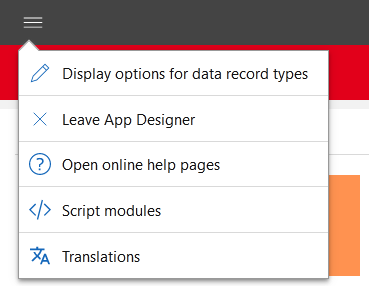 |


You can reset all changes to the default included in the scope of delivery in the Administration app. In doing so, all the changes which you or other users made in the App Designer will be deleted.