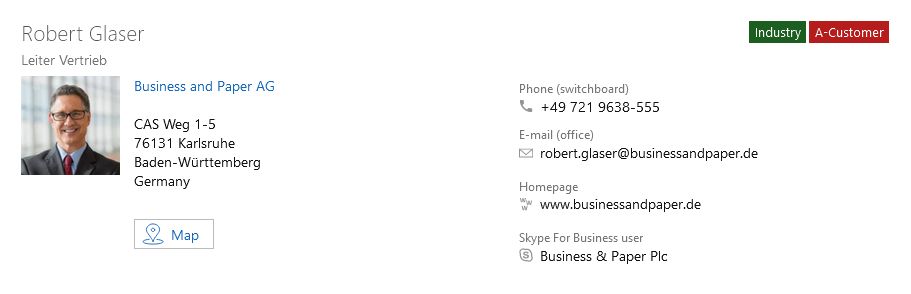
Summaries for contacts
By creating a summary for contacts, you can replace the whole preconfigured business card and thus design the business card data entirely as you see fit. On this page you will find an example of a design for a contact business card.
SmartWe contains two different contact types: Organization and Individual contact. The summary element has to be created for each of these contact types.
Contact persons and individual contact use the same element.
Preconfigured summaries
For contacts, the summary element is already preconfigured and structured as follows:
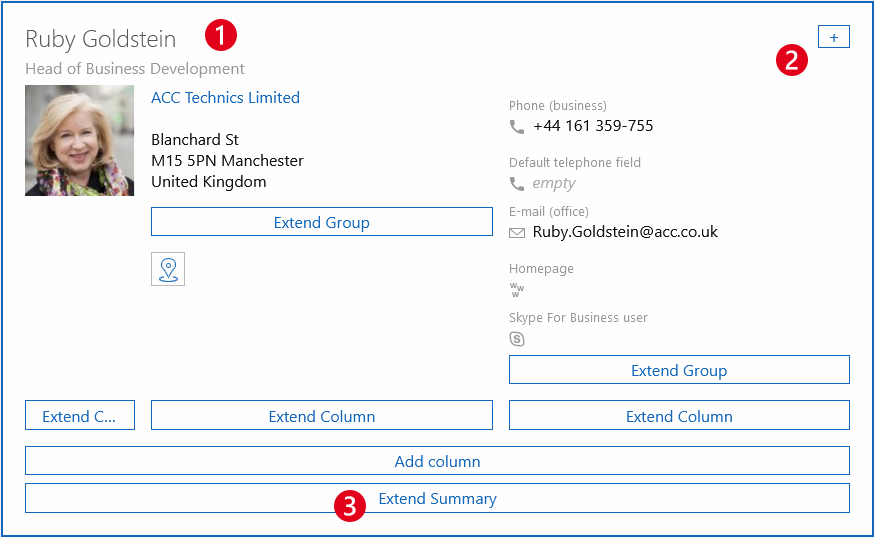
Element | Description | |
|---|---|---|
❶ | Header | The header is configured as a script field and contains both the form of address and the name of the contact. If the contact is an organization, then the title will include the name of the organization. Normally, you cannot change the content of the script field, because to do so requires a special license. If you wish to enter another title, you can simply delete the preconfigured title. If after deleting you wish to return to the preconfigured header, then can insert an additional Summary element into this contact and use the included header. |
Subtitle | The subtitle includes the Function database field. | |
❷ | Inserting badges | Using the button on the right hand edge of the Summary element, you can insert badges. Badges can be used to add a label to the summary. For example, in contacts you can display a contact's function. Badges can fetch their content either from database fields, or you can enter the content as a static text. Badges are always displayed to the right of the headline. You can change the order of the badges, but not move the badges into another element. |
❸ | Extending a summary | By clicking Extend summary, you can insert additional elements and fields into your summary. Available fields
|

Example of a business card
In the following example, you can see the business card of a contact person.
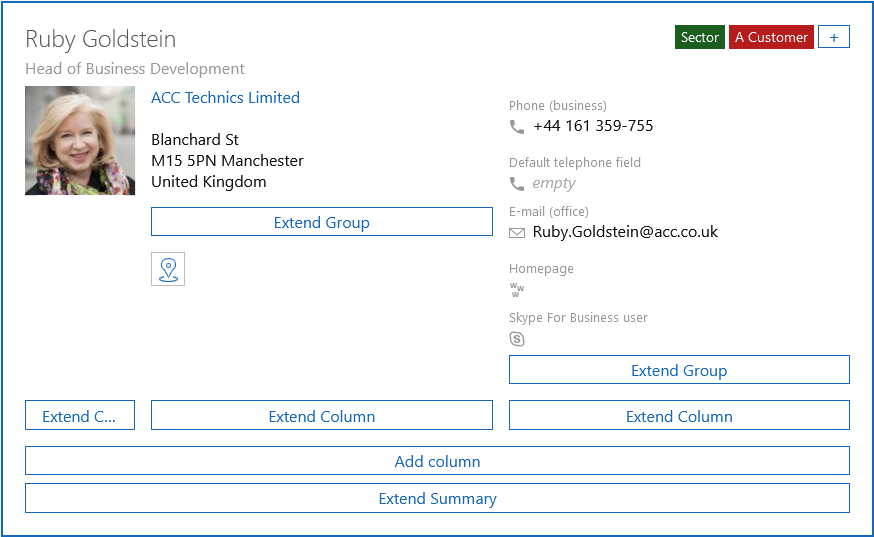
In the preview, the business card looks like this: