Moving elements
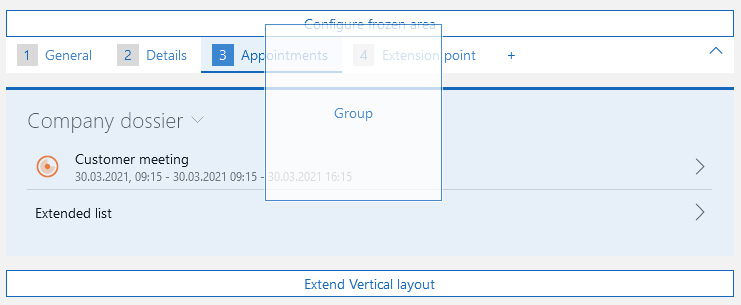
Elements can be moved both within a tab as well as between tabs.
Procedure
- Click the element or field you wish to move and drag it to the tab you wish to move it to. Keep the mouse button pressed.
- Do not release it yet, wait until the page associated with the tab has loaded.
- Drag the element or field to the desired position and release the mouse button.
- The element or field is inserted in the desired position.