Using AI coding
App StoreAI coding |
You can use the AI coding functions in the App Designer for fields for which you can store scripts.
Requirements
- You require the App Designer permission.
- The App Designer has to be activated.
Using AI coding
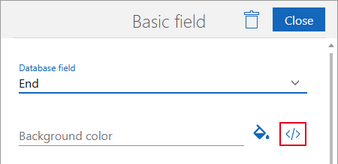
- Select the field for which you would like to create a script.
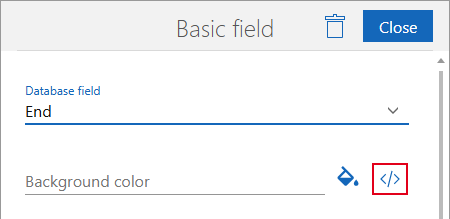
- Click the button to open the script editor.
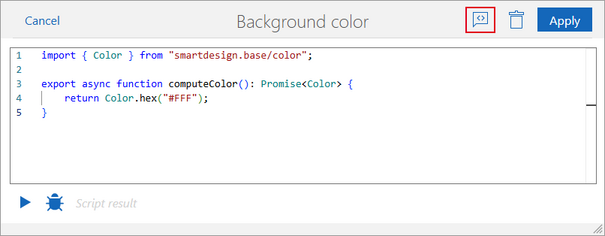
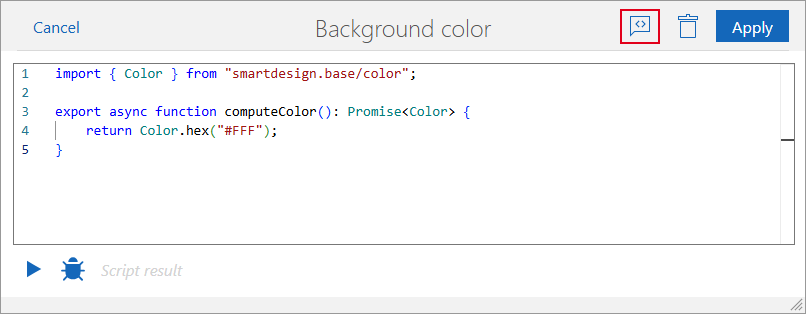
- Click the AI Coding button in the script editor.
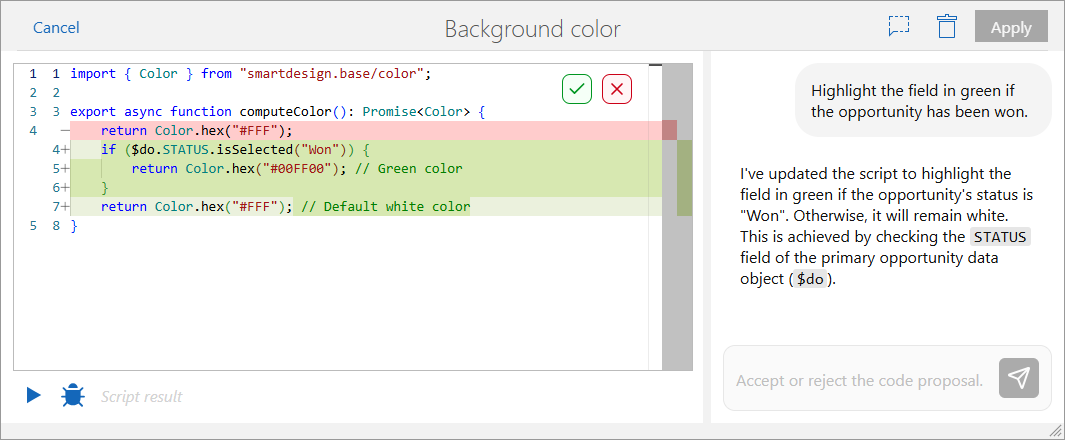
- Type your prompt into the chat.
- AI coding creates a code suggestion.
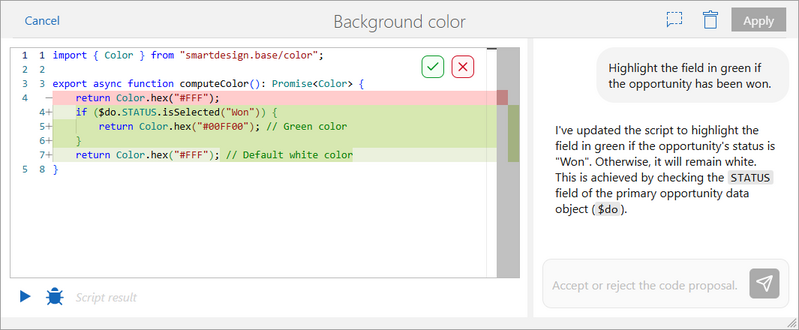
- Accept or reject the code proposal.


Button | Description | |
|---|---|---|
Accept | With this button, you accept AI coding’s code suggestion. Code highlighted in red is then deleted and code highlighted in green is added to the script. | |
Discard | With this button, you dismiss AI coding’s code suggestion. No changes are made to the script. | |
AI Coding | With this button, you can close the chat. |


