Default layout
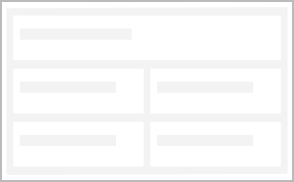
Using the Default layout all the elements and fields on a page are displayed.
Note
The default layout is only available for custom apps and is automatically applied when creating a custom app.
Once you have switched the layout of your custom app to tab or wizard layout, you can no longer switch back to the default layout.
You can achieve a display that is similar to the default layout by placing all elements and fields on the first tab in the tab layout. The tab bar is automatically hidden if only one tab contains any contents.