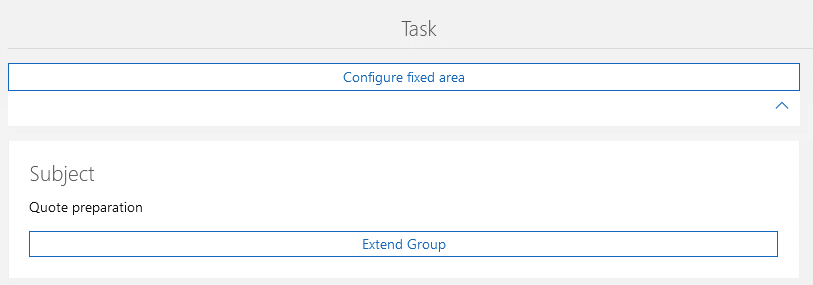
Frozen area
The frozen area is always displayed at the top. If you add content to the frozen area, this content will remain visible even when scrolling.
Use
- The element is available for all data record types.
- The element is available when in the edit mode for a data record.
- The element is available when you are in the read mode for a data record.
- The element is available for dashboards.
You can choose between a static frozen area and a dynamic frozen area. The static area always remains completely visible when scrolling. The dynamic area can be configured so that when scrolling a somewhat reduced area is displayed as soon as the block can no longer be fully displayed.
Appearance in the App Designer
If the frozen area has not yet been configured, you will see the Configure frozen area button displayed above.