Publishing changes
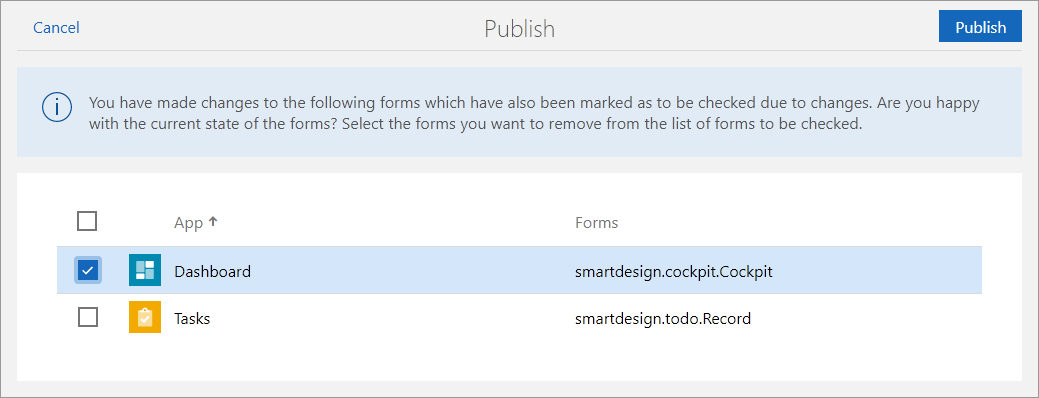
If you have made changes to the forms in the New forms available list, you can simply publish them as usual with the App Designer. After you click Publish, a list containing all changed forms is displayed. You can then decide whether you want to remove these forms from the list of forms to be checked.
If forms are removed, they are then no longer displayed in the New forms available list. However, you can still manually open the version comparison in the respective app.
Tip
If you have used the Update automatically function, the respective form is automatically removed from the list. You will not receive a notification for such a form.