Removing new tabs
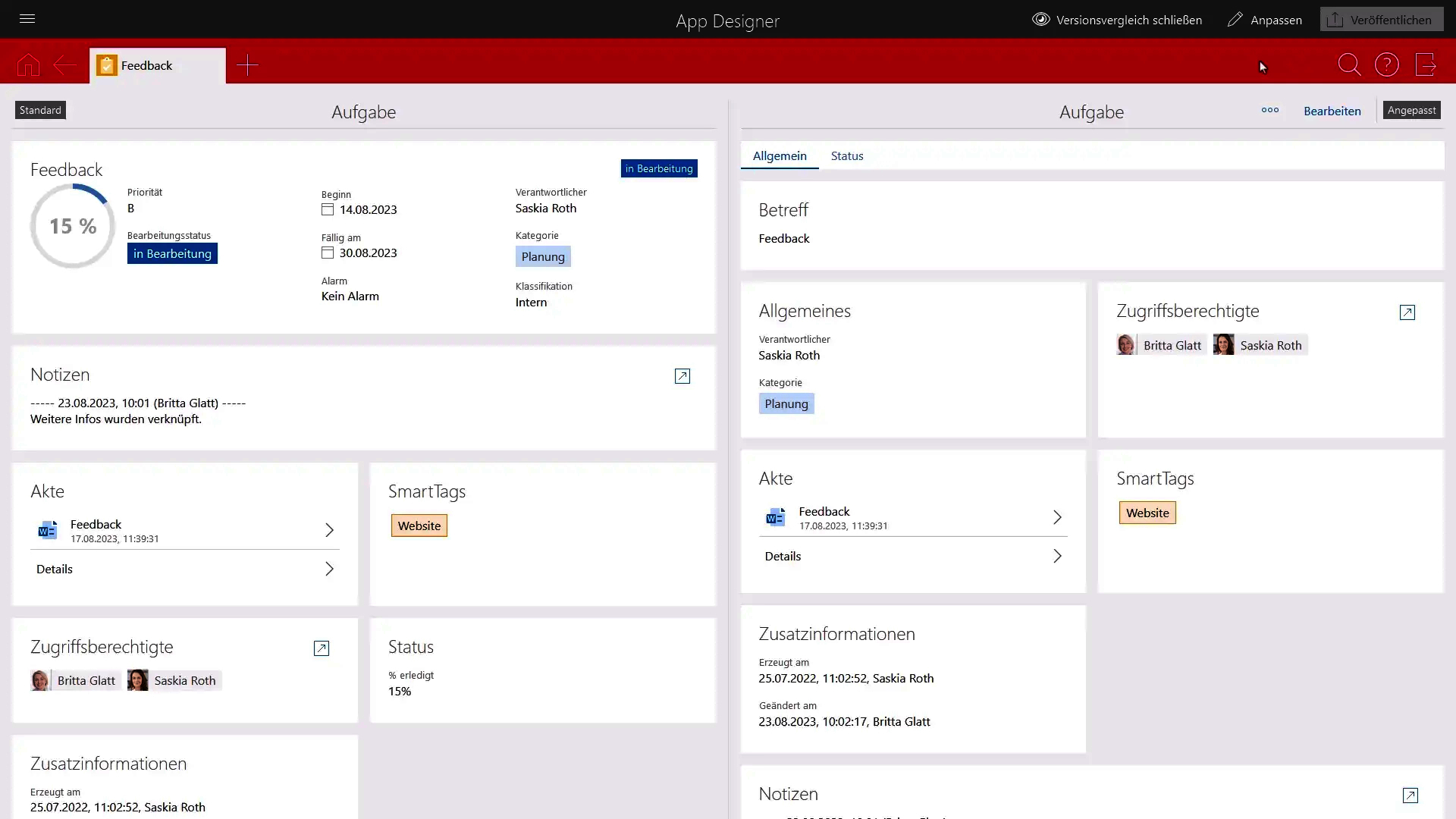
In specific cases, the automatic update can add a new tab to a form, for example, if you have added a field that was not included in the default form to an element.
This new tab is named New tab and is inserted behind all available tabs.
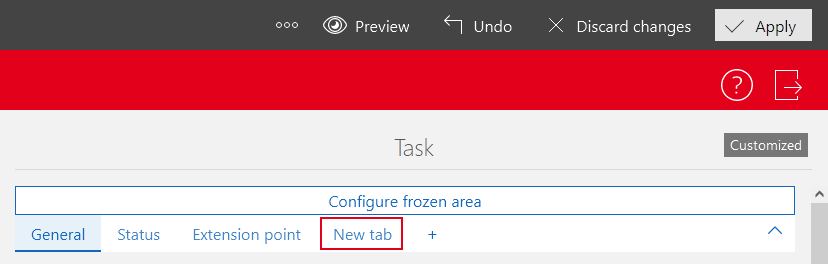
If this tab is displayed, you can check the available fields and then decide how to proceed. For example, you can rename the tab and restructure it to fit your needs. Alternatively, you can move the fields to any other tab.
In the following video, you can see an example of an automatic update that creates a new tab.