Finding and comparing elements
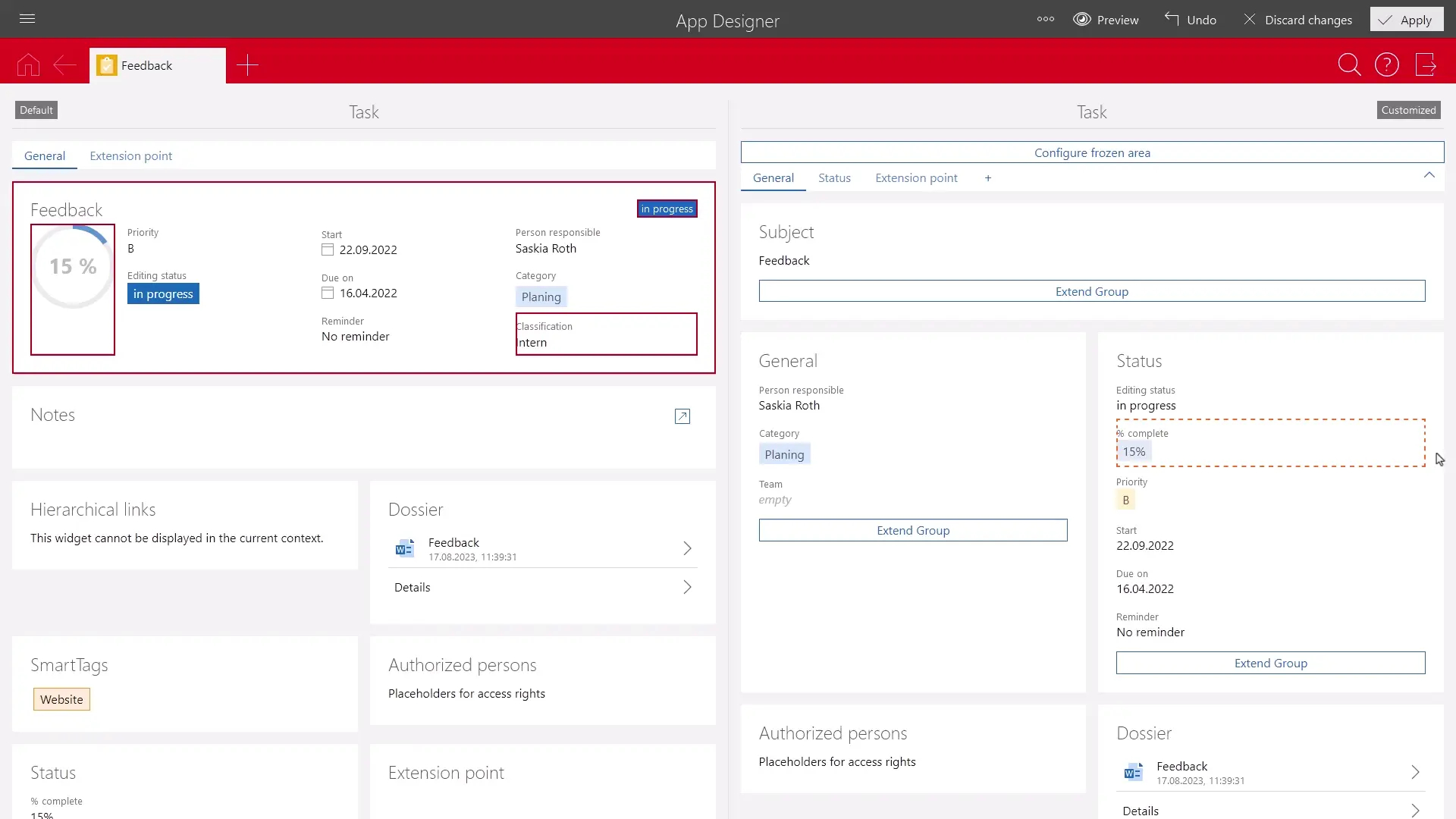
If you, for example, want to compare element settings, you can search for the position of the respective element in the opened version comparison. This function is available for the default form and the custom form.
Procedure
- Click Find match in the element settings.
- The element is searched on the other side and then highlighted. If the element is located in an area of the form that is currently not visible, the system automatically scrolls to the corresponding position. If an element is on another tab, the corresponding tab is opened automatically.
- Click the found element to compare the settings.